Elsevier
Expanding a design system to motion
My role:
Motion Design
UX Design
Duration:
8 weeks
Team members:
Design Lead
Client:
Elsevier
Exploration
Motion design systems are used to enhance usability and provide moments of delight to the user.
In this project, I’ve explored how Elsevier could use motion in a consistent format while connecting with the brand’s tone and personality.
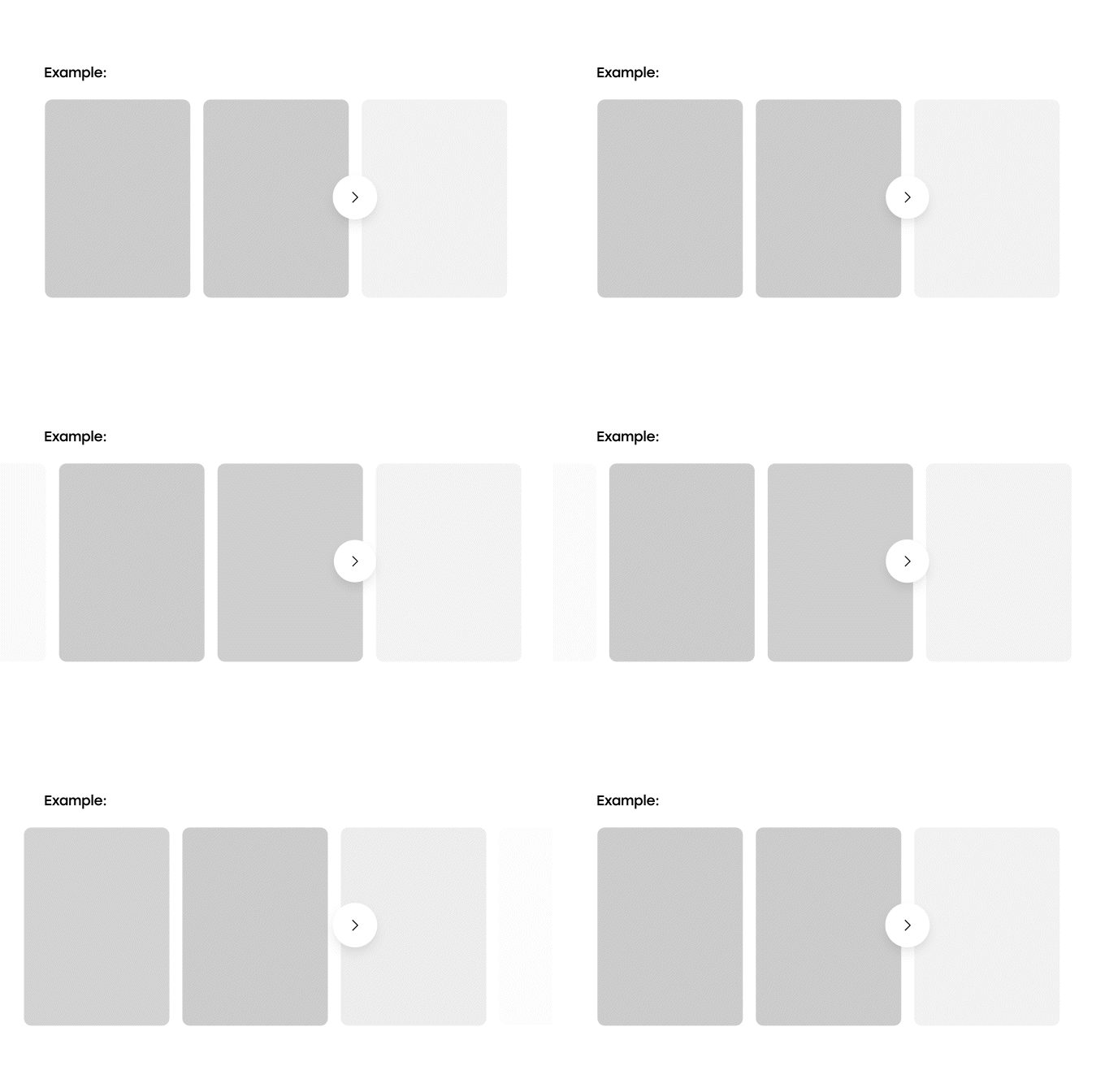
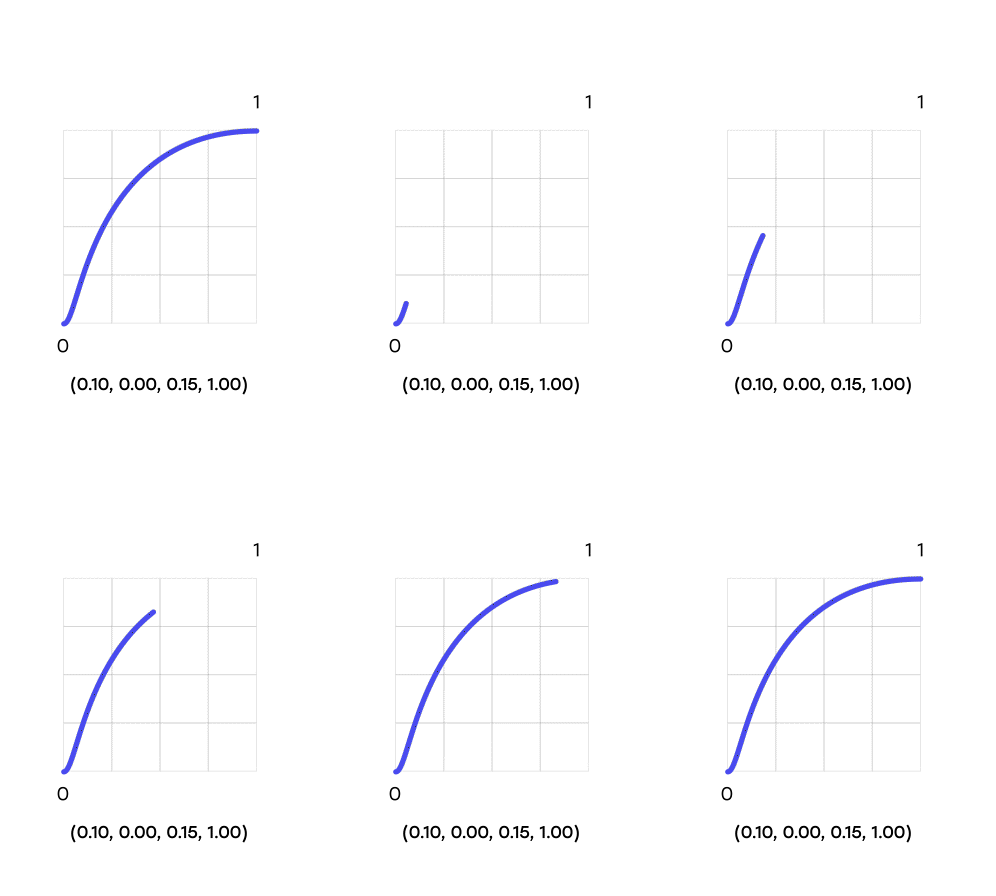
Elsevier’s brand tone emphasizes accessibility and friendliness. My initial explorations focused on finding a motion curve that would reflect this tone while ensuring usability.
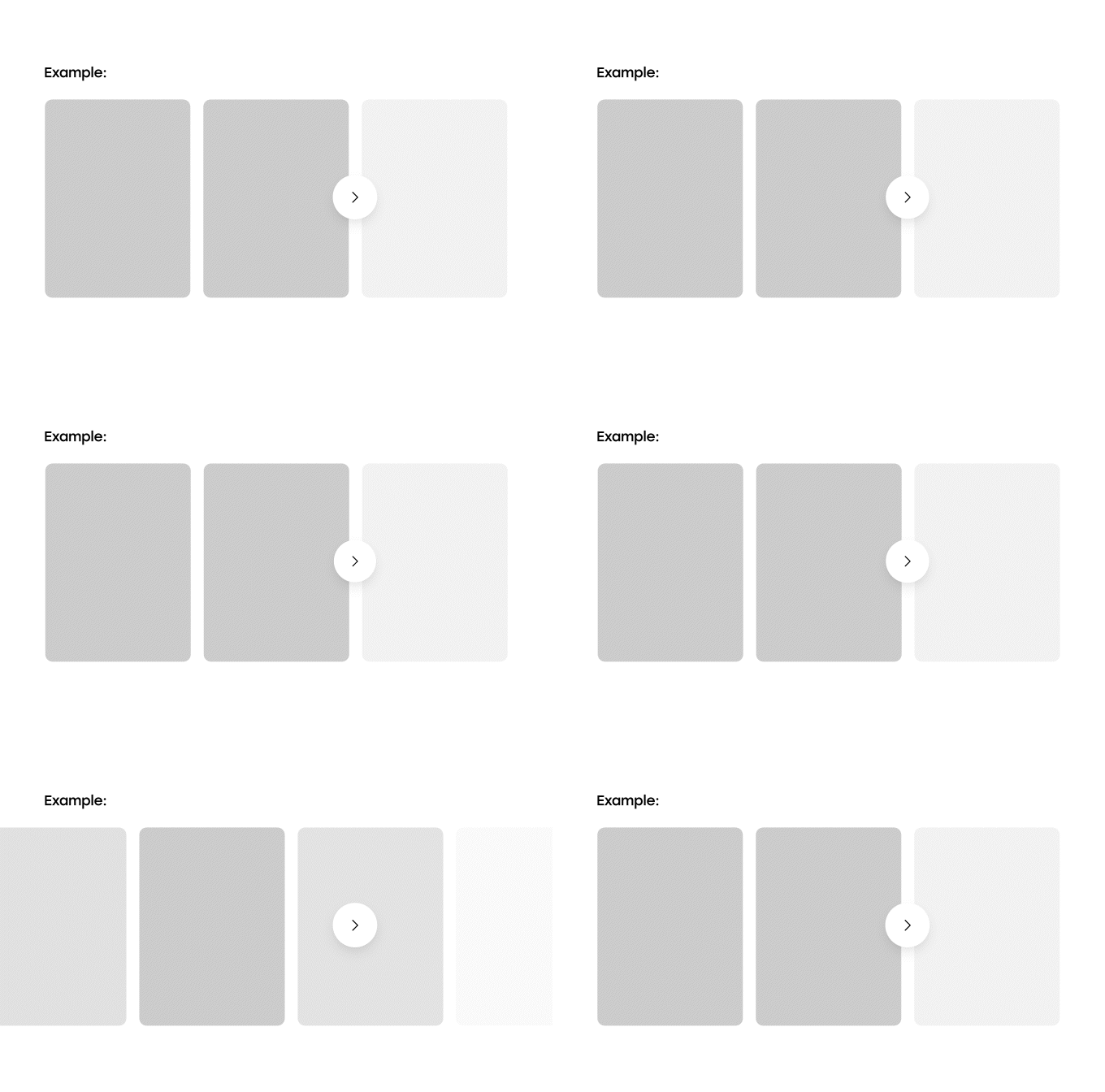
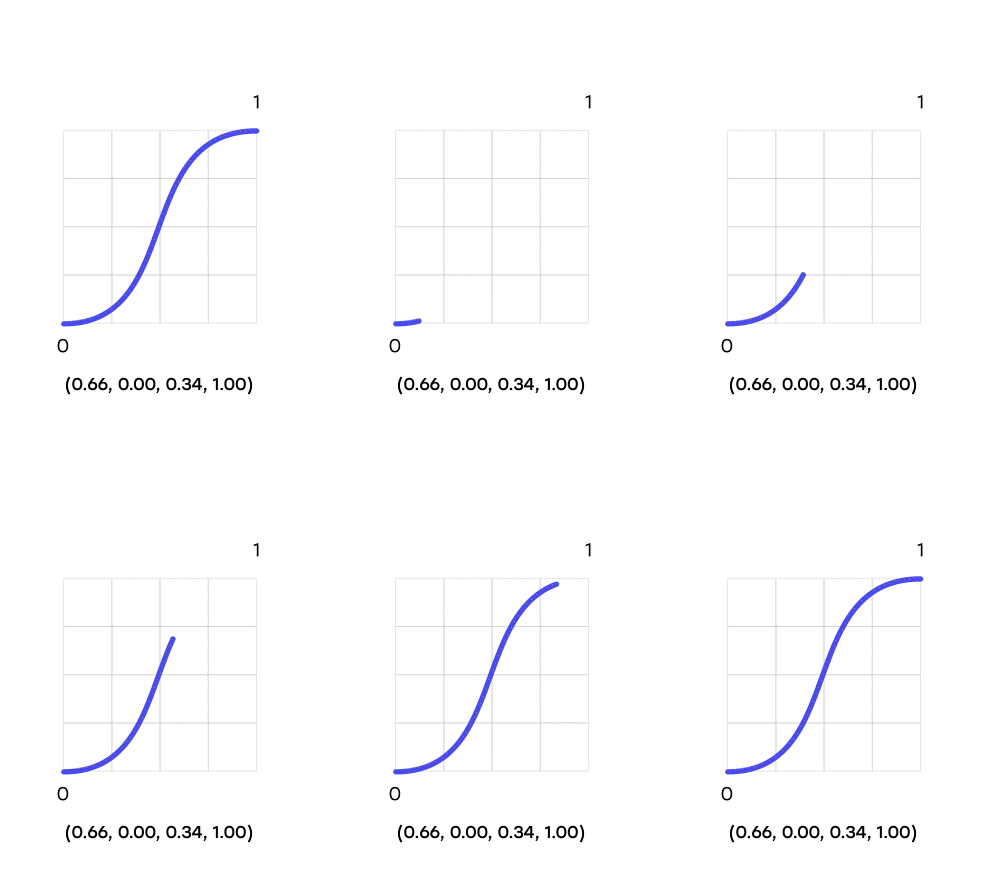
Motion Curve 01
Slow feedback for action
Abrupt stop and big contrast in speed
Too quick for user perception
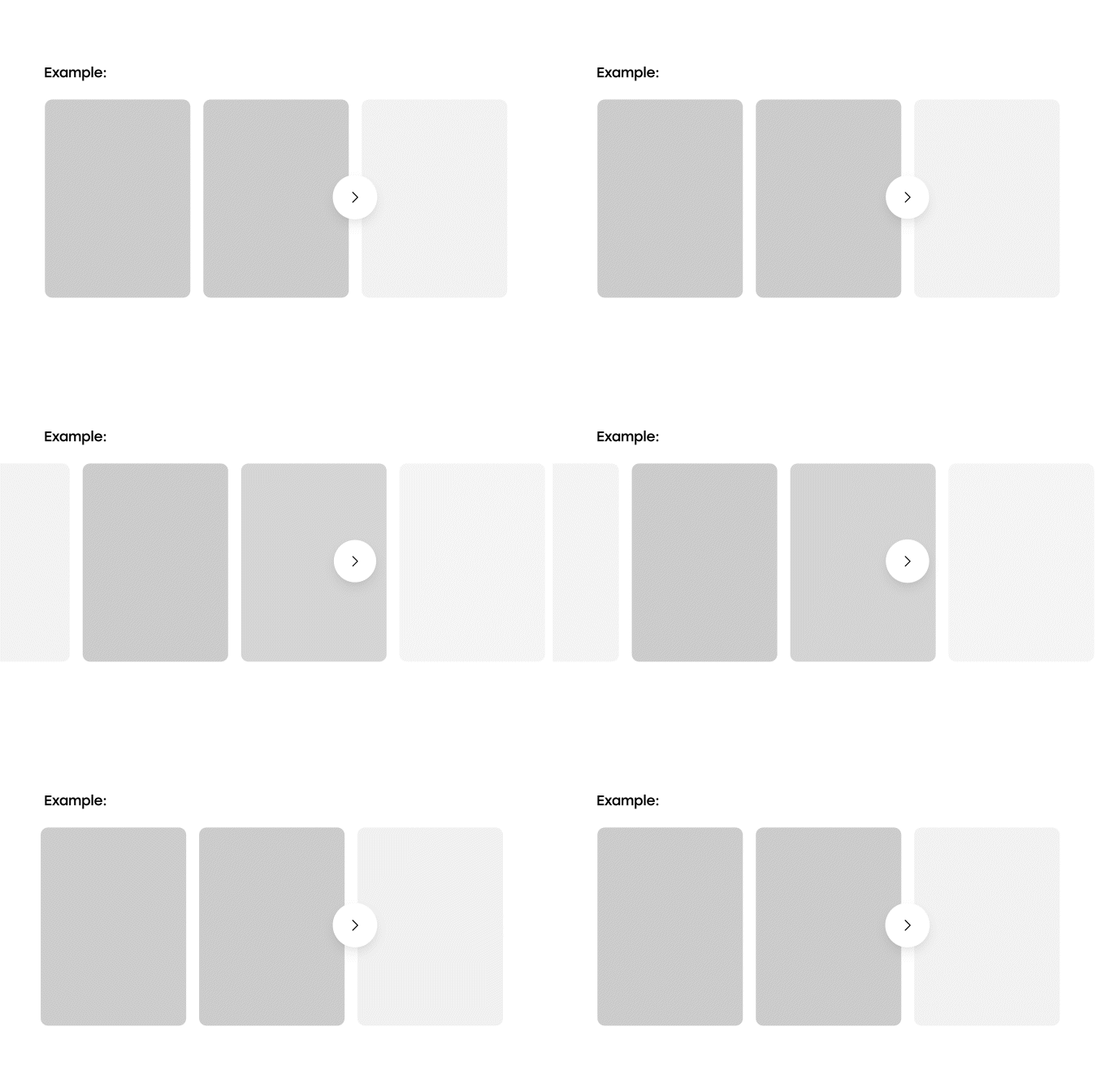
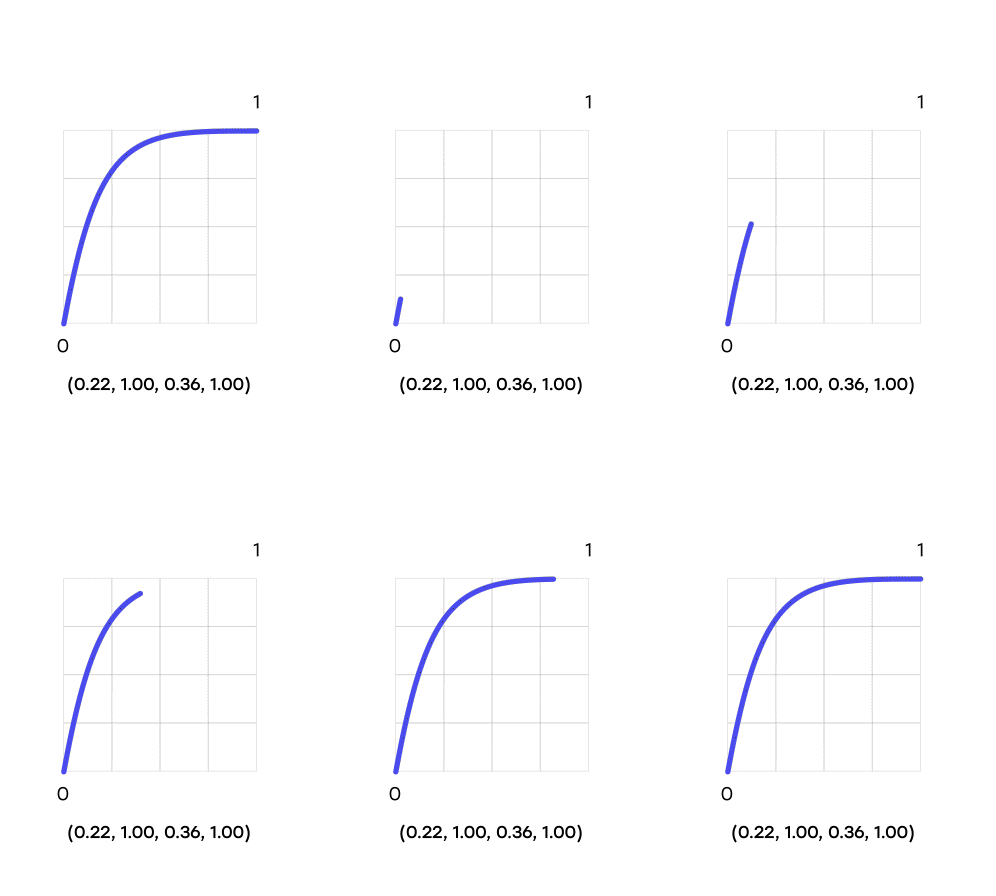
Motion Curve 02
Quick feedback for action
Abrupt stop and big contrast in speed
Too quick for user perception
Motion Curve 03
Quick feedback for action
Soft and ease ending
Constant speed
Defining principles
Inform and educate
Motion should help users understand the relationship between elements in the interface.
Focus
Motion should be used to focus user’s attention to relevant elements in the interface, aiding usability and removing unnecessary distractions.

Express and delight
Motion is an opportunity to express the brand’s personality to the user through another layer
of engagement.
Types of motion
0
1
(0.10, 0.00, 0.15, 1.00)
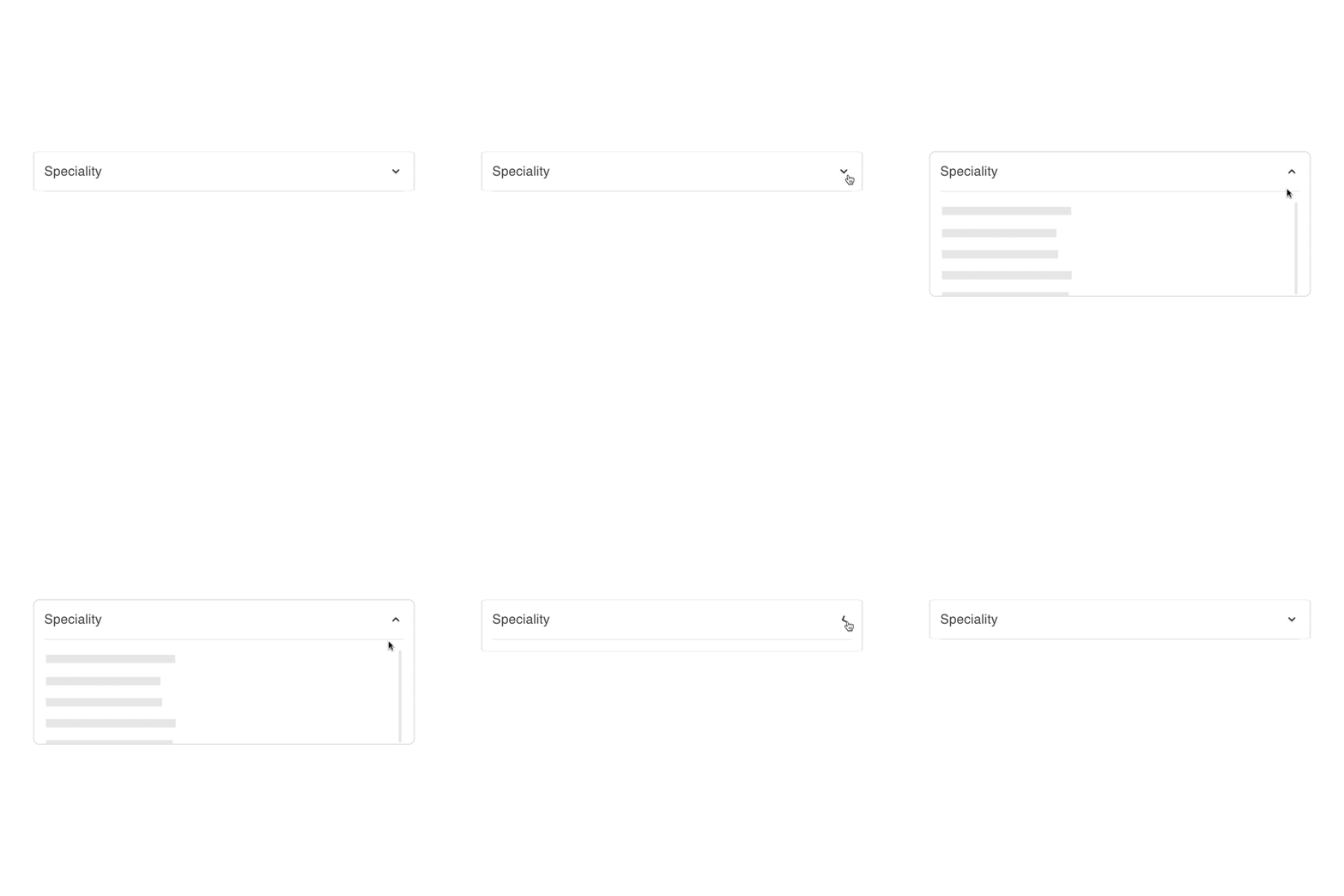
Productive Motion
When using motion to enhance usability, it's crucial to align with user expectations. Motion should offer quick feedback without abrupt changes in speed, maintaining a subtle, smooth experience that aligns with Elsevier's brand tone.
0
1
(0.10, 0.00, 0.15, 1.00)
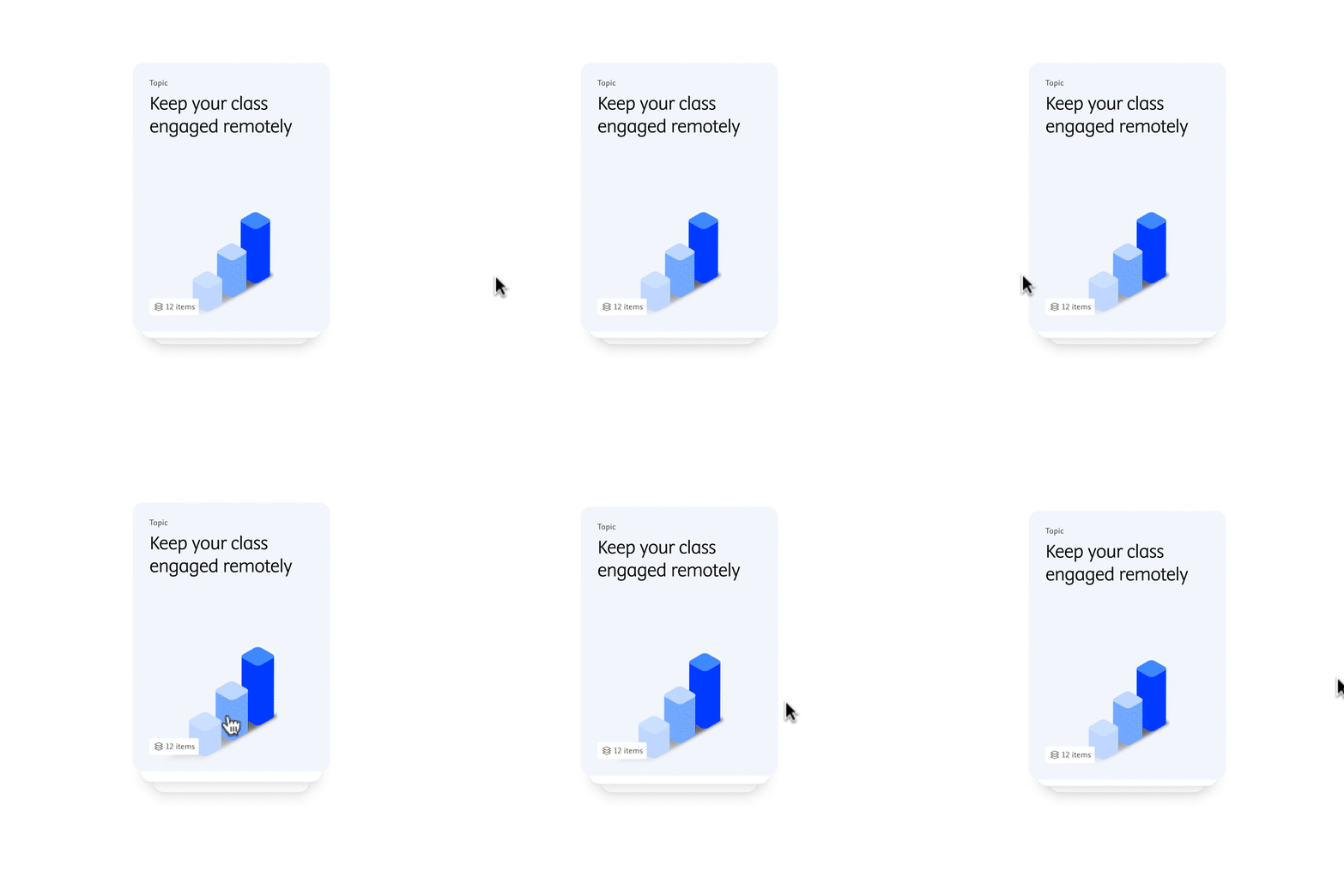
Expressive motion
Using motion to create delight is an opportunity to convey the brand’s tone and personality. This motion curve includes a stronger ease-in, mimicking realistic object behavior while staying soft and accessible.
Timing scales
This scale is used to provide consistency throughout the design system and varies depending on the goal of the user’s action, complexity, distance traveled or size of the object.
T1
+500 MS
T2
400 MS
T3
300 MS
T4
200 MS
Instant
0 MS
0 MS
100 MS
200 MS
300 MS
400 MS
500 MS
Productive
Expressive
Expressive motion
How to use it
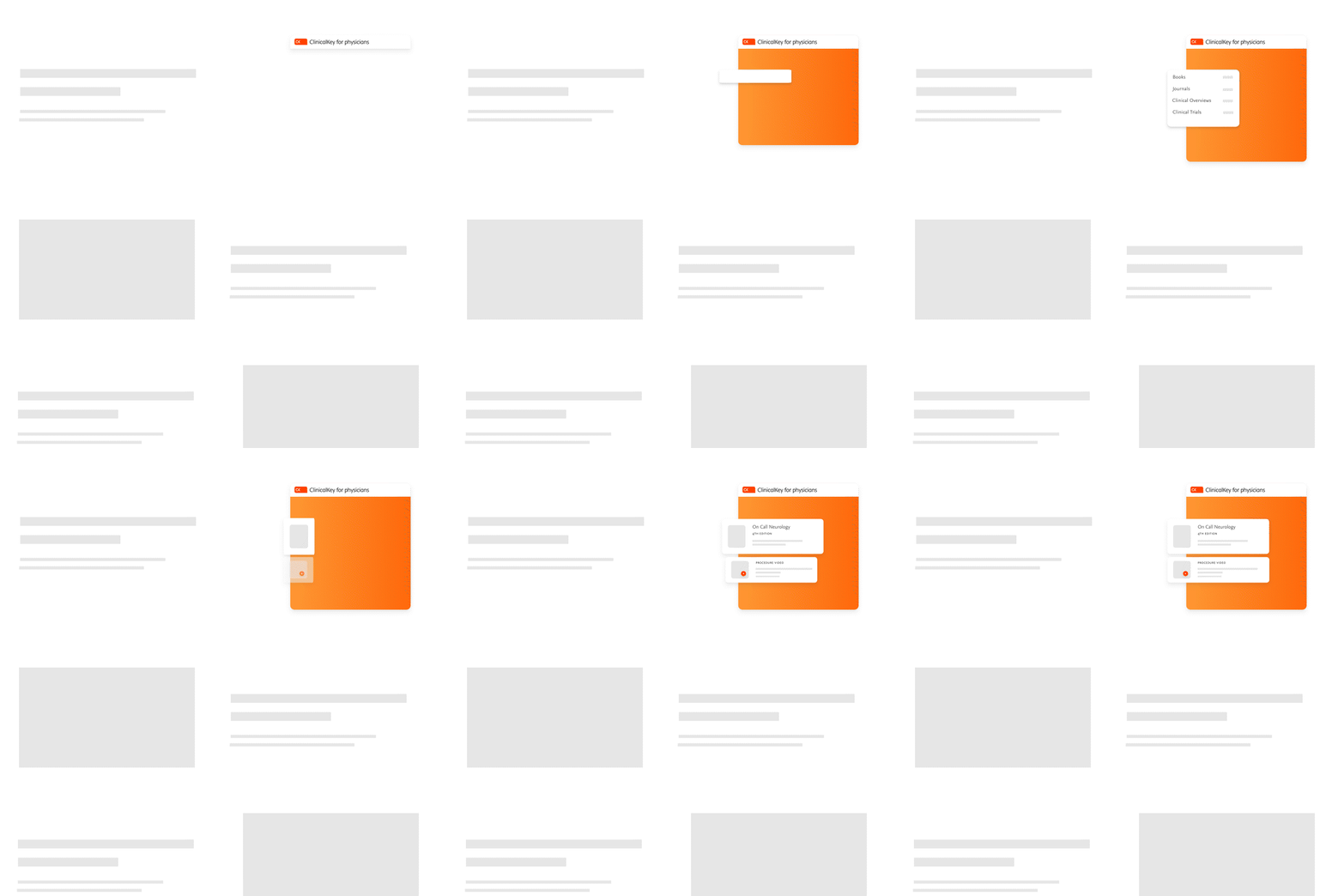
Do
Use expressive motion in specific product headers to create delight and curiosity
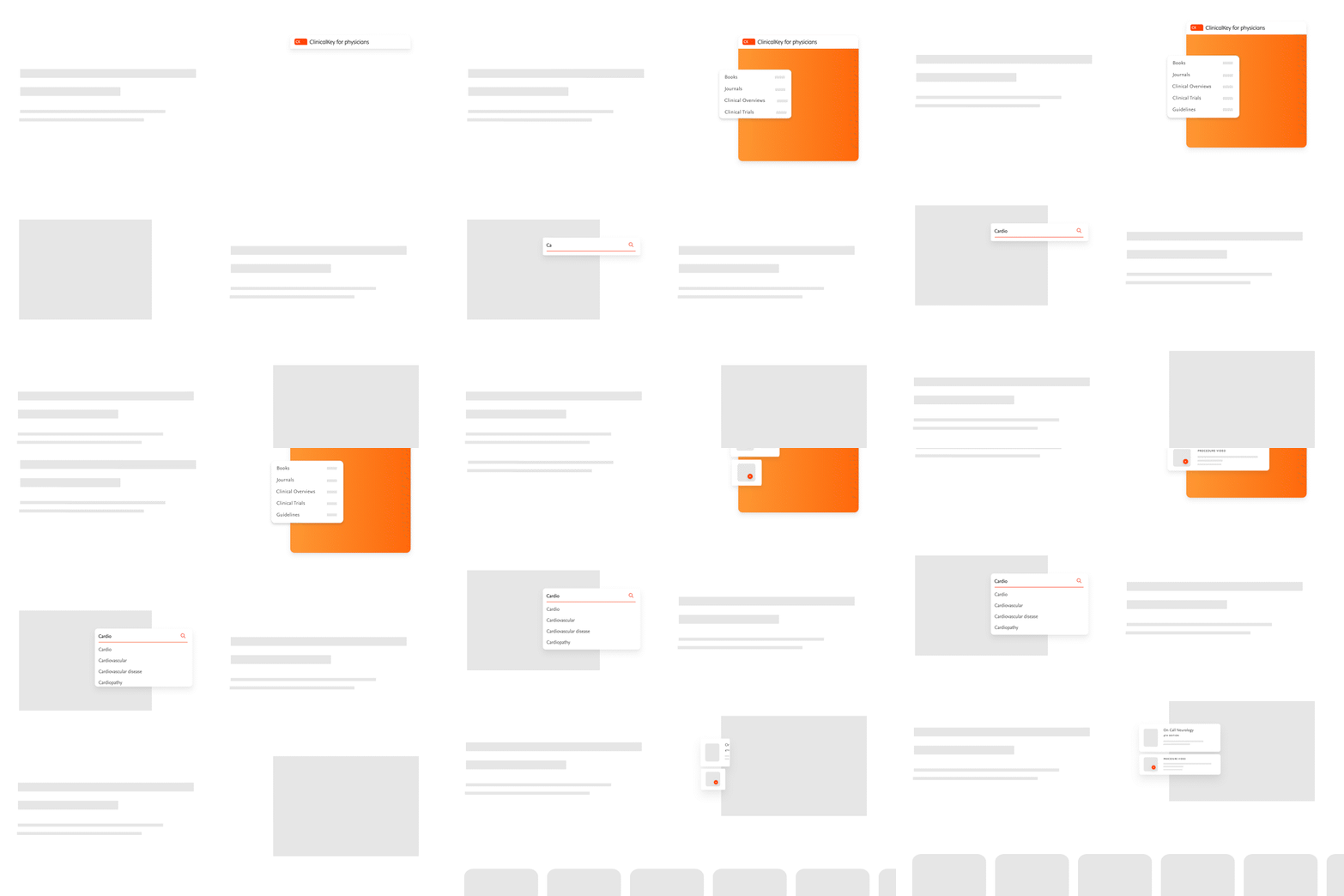
Don't
Use expressive motion as the user navigates inside pages, to avoid creating unnecessary distraction
Productive motion


How to use it

Do
Use motion when it serves a purpose in the user’s journey, using the Elsevier’s motion principles.

Don't
Use motion to add excessive animation to the interface, it becomes distracting and harms the user’s experience.
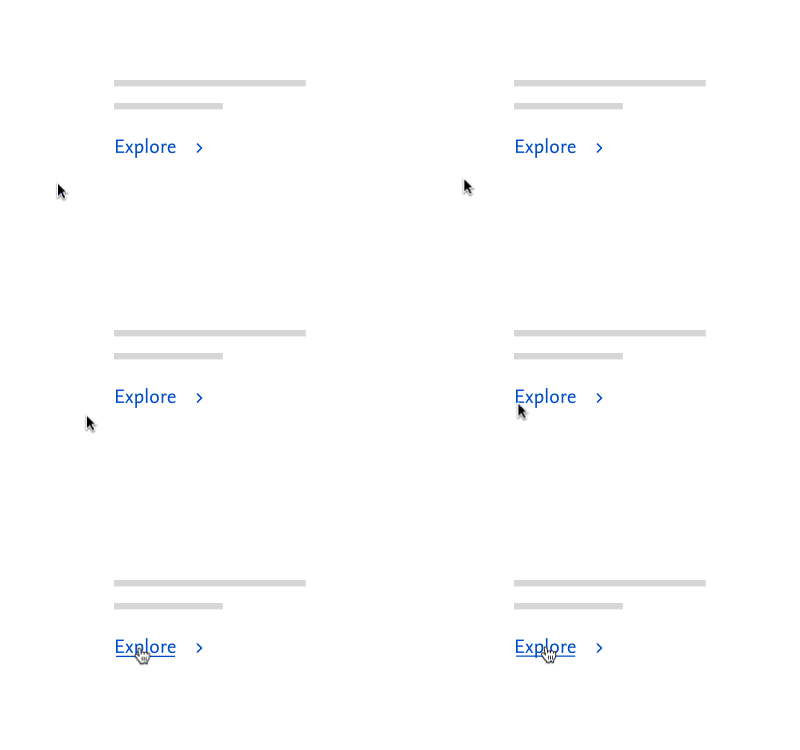
Don't
Use motion on elements that require instant feedback (i.e. hover states), where the use of motion slows down the user experience.